4 min read
Wall Art Frame Size & DPI Guide (5×7, 8×10, 11×14, 16×20)
Pick the right frame shape before generating so nothing gets cropped—and see exactly how large each HD PNG prints sharply at 200+ DPI or cleanly from across the room.
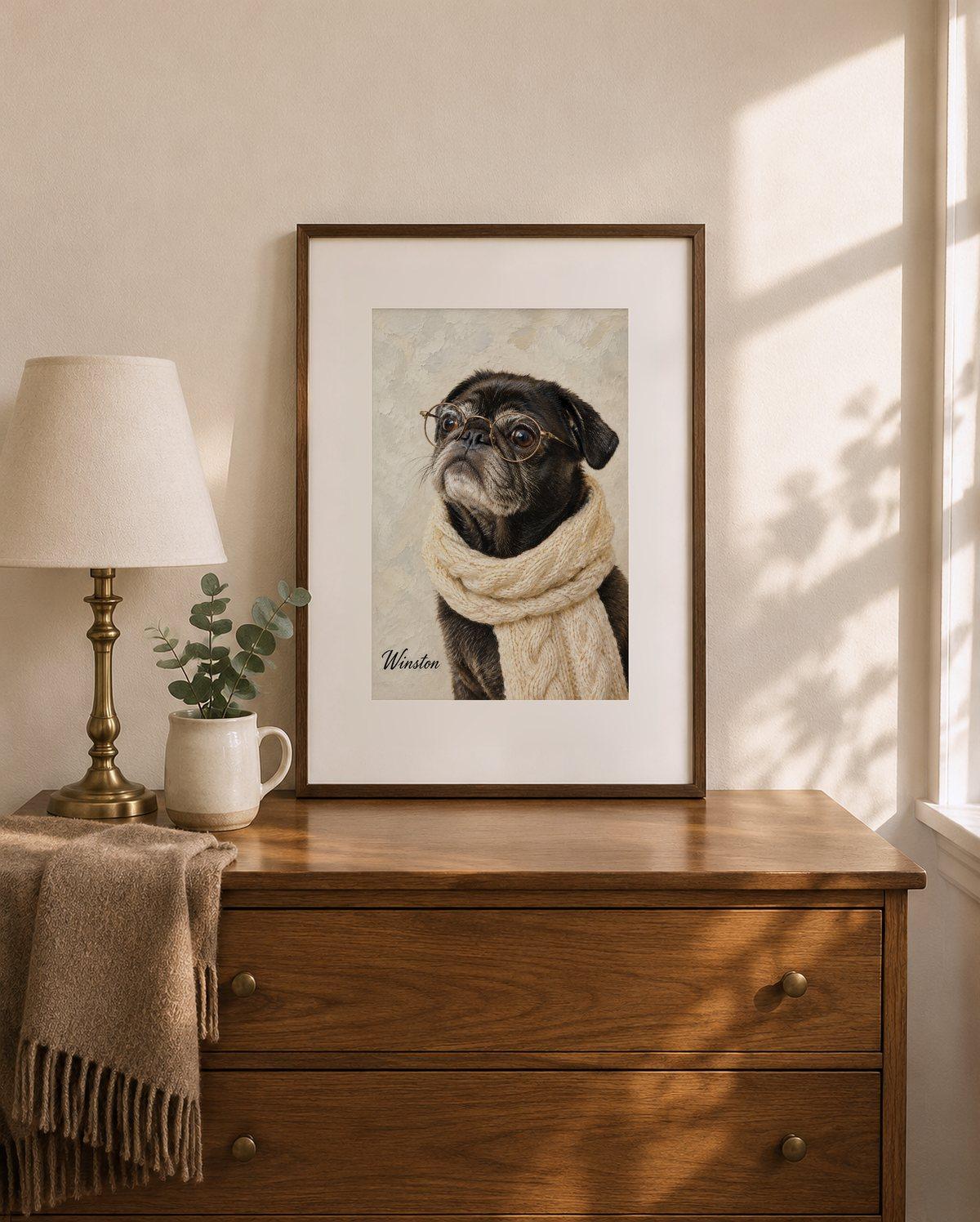
MyPhotoToArt HD pixel sizes and matching frames
When you pick a frame shape on any style page, the artwork is composed specifically for that proportion—so ears, lettering and roofs stay comfortably inside the frame with zero accidental cropping at the print shop.
| Frame Shape | HD Pixel Size (Portrait) | Sharp Up Close (200+ DPI) | Wall Distance (150–199 DPI) |
|---|---|---|---|
| 2:3 | 2048 × 3072 px | 4×6 in, 8×12 in (20×30 cm) | 12×18 in (30×45 cm) |
| 3:4 | 2304 × 3072 px | 6×8 in, 9×12 in (23×30 cm) | 12×16 in (30×40 cm) |
| 4:5 | 2464 × 3072 px | 8×10 in (20×25 cm) · or 11×14 frame with 8×10 mat | 16×20 in (40×50 cm) |
| Square (1:1) | 2048 × 2048 px | 8×8 in, 10×10 in (25×25 cm) | 12×12 in (30×30 cm) |
What about 5×7, 11×14, A4 and A3 frames?
Retail stores in the US, Canada and Australia love 5×7 and 11×14 frames—plus A4 and A3 in Australia. Here is the clean way to fit each one without awkward cropping:
5×7 inches (desk & gift frames)
Pick 3:4 (ratio 0.75, very close to 5:7 at 0.714). At 5×7 inches, a 2304 × 3072 px file prints at over 430 DPI—razor sharp—with less than 5% edge trim.
11×14 inches (the gallery-wall sweet spot)
Pick 4:5 and print at 8×10 inches, then place it inside an 11×14 frame with a pre-cut 8×10 white mat. Nearly every Target, IKEA, Michaels, Kmart and Officeworks stocks 11×14 matted frames, and the white border makes art look twice as substantial.
A4 (21×29.7 cm) and A3 (29.7×42 cm) in Australia & Canada
ISO A-paper has a 1:1.414 ratio, sitting right between 2:3 (1:1.5) and 3:4 (1:1.33). Pick 2:3 for A4/A3 with minimal trim, or use an A3 frame with an A4 mat (260+ DPI sharp).
DPI explained without jargon
DPI (dots per inch) simply divides your image pixels by the print width in inches. For example, a 2464 × 3072 px file printed at 8×10 inches gives roughly 307 DPI—well above the 200 DPI threshold where individual dots disappear even inches away.
For larger wall frames viewed from across a sofa or hallway (4 to 6 feet away), 150 to 199 DPI looks completely clean—especially for painterly styles like oil painting, watercolor and impasto where soft brush texture is part of the charm. That is why a 4:5 file prints crisply at 16×20 inches on a living-room wall.
When to pick Original vs. a specific frame shape
Most styles default to Original, which keeps your uploaded photo’s exact shape (up to 3072 px on the long side). Keep Original when restoring an old photograph or when you only plan to share digitally. If you already own a specific frame—say an 8×10 portrait frame or a 12×18 poster frame—pick that frame ratio and Portrait/Landscape orientation before clicking Generate so the composition fits edge-to-edge.